
SQLark 4.2 adds TiDB: six databases in one client
Summary
SQLark 4.2, released on 3 November 2026, puts six databases in one client and adds TiDB 7.5.0 support, SSL connections and a generated data dictionary.
Recommend- Name
- SQLark
- Version
- 4.2
- Open source
- Proprietary
- Operating system
- WindowsmacOSLinux
- Website
- https://www.sqlark.com/
- Updated
- 2026-11-10 23:00
SQLark is a database development and management tool from Dameng Data, a database company in China; its Chinese name is Bailing Connection. It puts Dameng, Oracle, MySQL, PostgreSQL, OceanBase and TiDB into one client that runs on Windows, macOS and Linux, and writing SQL, reading data and moving a database all happen in one window. On 3 November 2026 SQLark shipped version 4.2, and the most visible change is that TiDB is now inside.
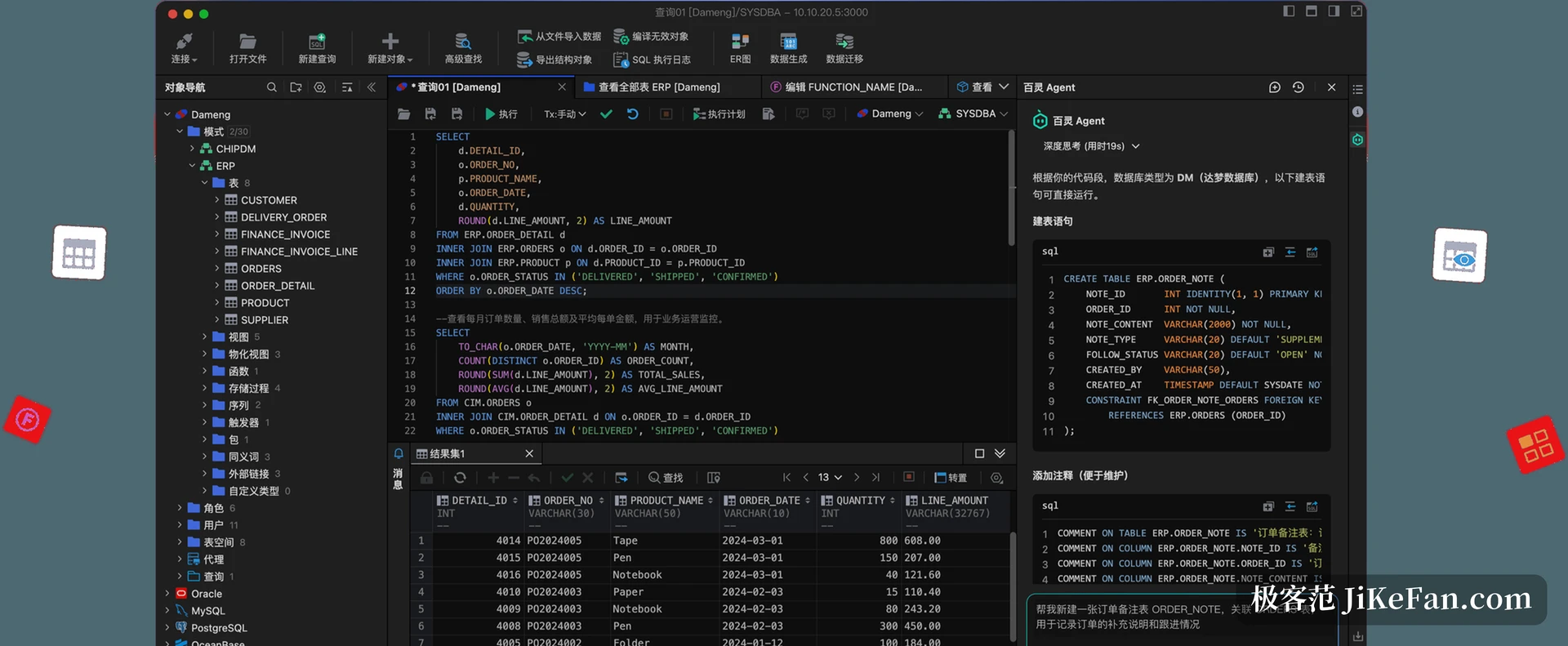
TiDB arrives in the same window
Version 4.2 supports TiDB 7.5.0 and later. A connection can use a user name and password or a URL, and SSH works as well. Once connected, tables, views, sequences, triggers, users and roles can be inspected and managed. The SQL editor understands TiDB's basic syntax and completes keywords and table names, and data viewing, import and export, data generation, ER diagrams and the data dictionary all carry over. The release notes admit one gap: exporting structural objects is not there yet and comes later.
For teams replacing foreign databases with domestic ones, the gain is counted in windows. Comparing two engines used to mean two clients on the desktop, switching back and forth, and a separate set of connection strings and accounts for each. Now two connections sit in one interface, each with its own tree on the left and its own tab in the query area, and field comparison or row-count checks stop costing a round of window switching.
The connection layer gains encryption
SQLark already spoke SSH, and 4.2 adds SSL and TLS. A connection can carry a CA certificate, a client certificate and a private key, with several verification modes to choose from. For a database in the cloud, or one that demands mutual authentication, this decides whether a connection is possible at all. It covers Dameng, MySQL and PostgreSQL for now, and the other engines follow in later releases.
Fewer keystrokes while writing SQL
Automatic table aliases are a small change used dozens of times a day. Picking a table from the completion list used to insert the name and leave the alias to you; now the alias comes with it. It takes the first letters of the table name by default, and when that collides with an alias already in the statement it adds another letter from the split name, so nothing repeats. The behaviour can be switched off in the preferences, which leaves people who type aliases by hand undisturbed.
Prepared parameters were extended too. While debugging SQL copied out of application code, placeholders are recognised and can be filled and executed, and the syntax each of the six engines accepts is listed in the documentation. As you fill the fields, the preview highlights the matching position, which matters once the parameter list gets long.
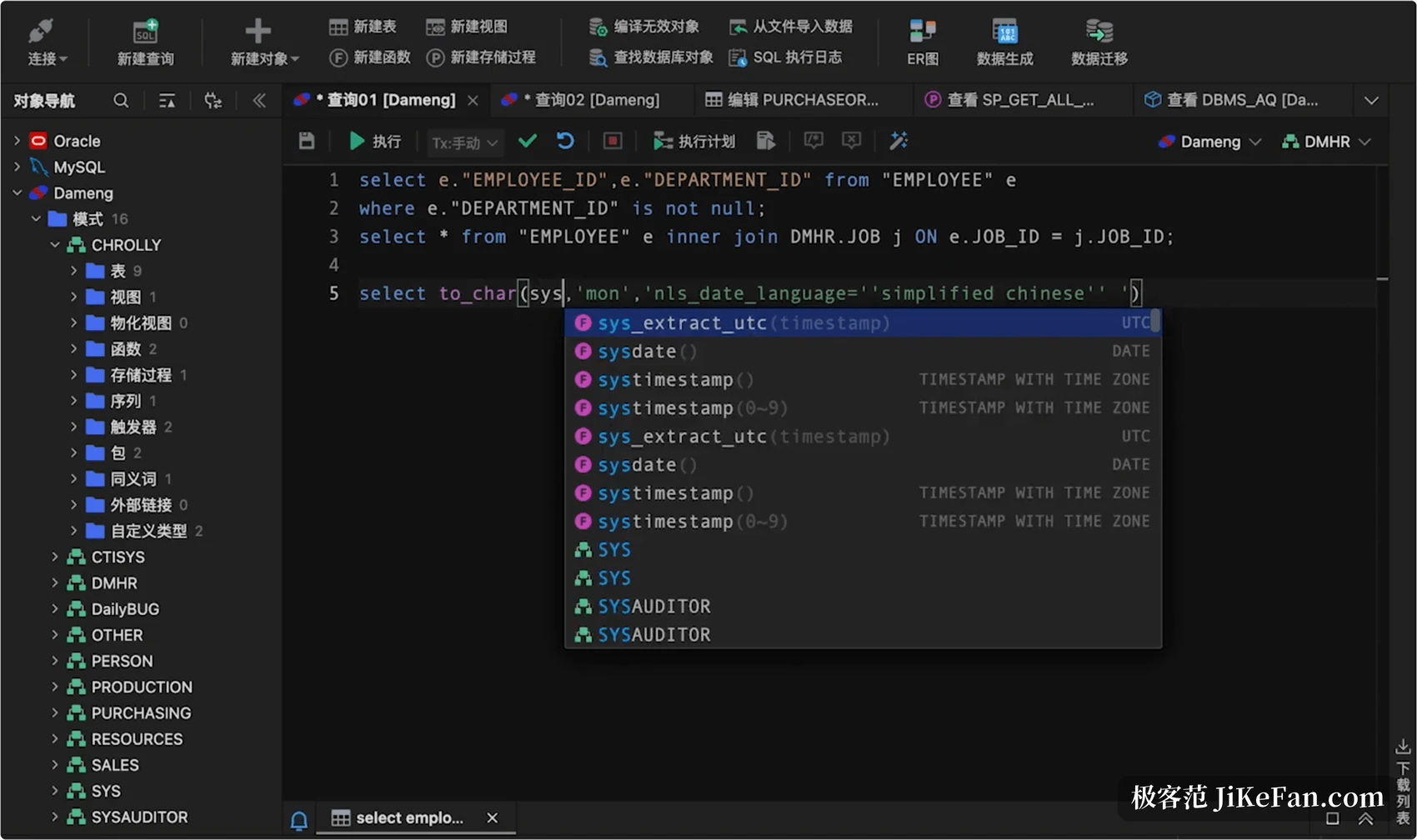
Describing the schema in words
The data dictionary is new. Select one table, several tables or every table in the current schema, and one action produces a document with tables, columns, types, constraints, indexes and comments, exported as PDF or Word. Delivery reviews, team handovers and compliance audits used to mean copying this out by hand. The free edition watermarks the PDF, while Pro produces a clean PDF and an editable Word file. ER diagrams gained a step as well: they used to export as PDF only, and now they go out as .docx, ready for notes and formatting on top of the original.
When something breaks, ask
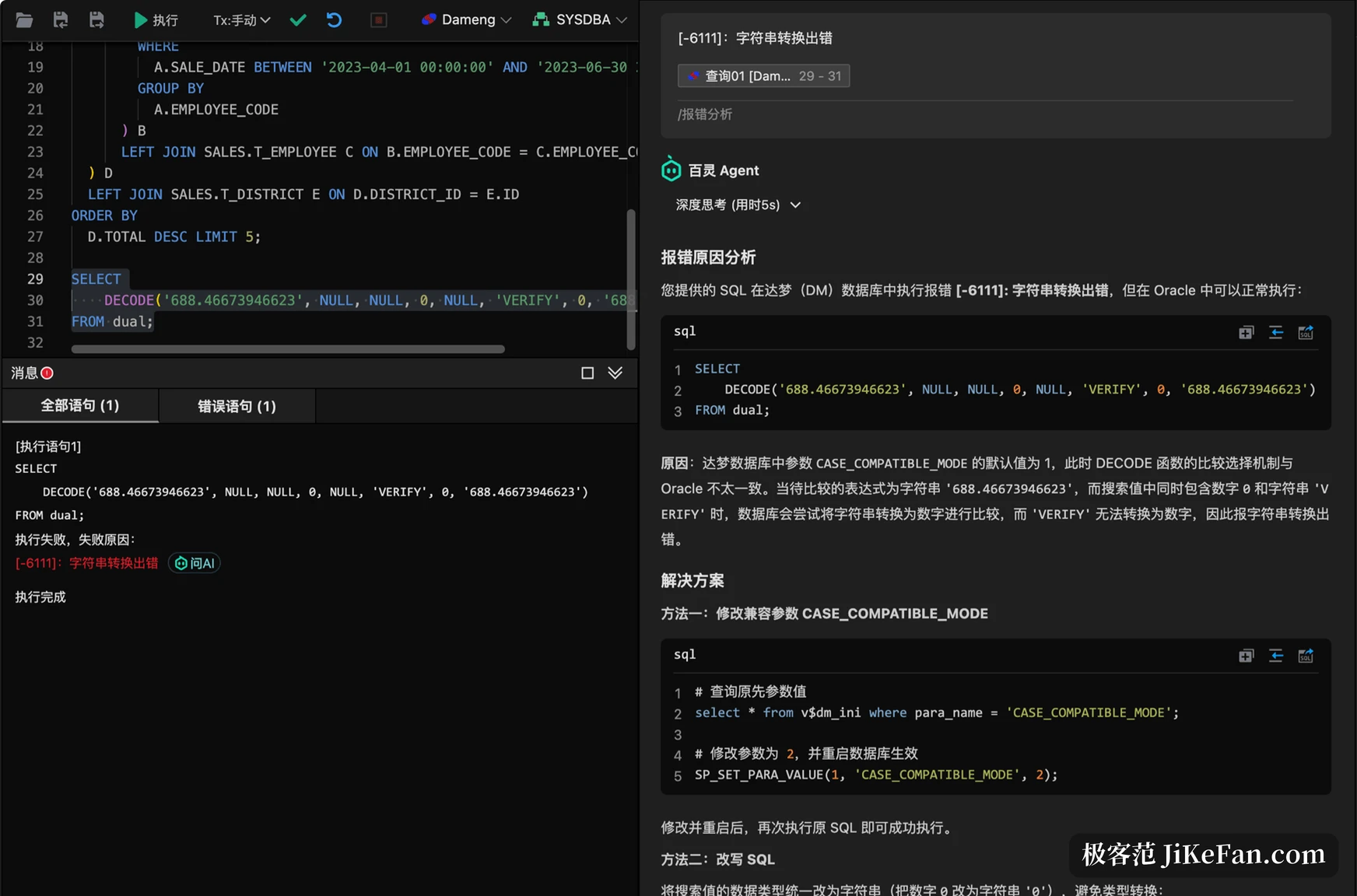
When a statement fails, the message box carries an ask-the-AI button. One click hands the error code, the statement and the surrounding context to the Bailing Agent, which points at the cause and at a fix. It also suggests optimisations, explains a block line by line and writes a query from a description. For Dameng specifically the assistant carries more than four million characters of official documentation and practitioner notes, enough to answer questions about deployment and health checks.
Moving a database, in one pass
Migration runs in three stages. Assessment walks the source objects, compatibility and the awkward parts such as large tables and large fields, then produces a profile of the source and a migration strategy. Execution moves objects and table data, translates syntax and offers error analysis with rewritten statements. Verification compares object counts and row counts on both sides. The vendor claims a first-attempt success rate above 95 percent and says it has completed full migrations for more than a hundred organisations in government, finance, energy and telecom.
Which machines it installs on
The client covers Windows 7 through Windows 11, and server editions from 2008 R2 to 2025. macOS runs from 12 to 26, on Intel and on Apple Silicon. On Linux it supports Kylin V10 and UnionTech UOS V20, on x86_64 and on ARM. Old machines still sitting in government and enterprise intranets are mostly on that list.
The free edition keeps object management, SQL editing and data handling, which the vendor says it will maintain; Pro adds more around migration, the Bailing Agent, backup and restore, and document generation. The pricing page lists a first-year discount and an annual rate.
Six databases in one client, with SQL writing, data reading, migration and document generation on a single line. None of the 4.2 changes is large, and each one aims at the steps that annoy people every day.