
Right PDF Pro 7.0: a PDF editor that reads documents
Summary
Right PDF Pro 7.0 asks questions across several PDFs, marks ID numbers for redaction, and opens unknown files in a sandbox on Windows and macOS.
Recommend- Name
- Right PDF Pro
- Version
- 7
- Pricing
- Paid
- Open source
- Proprietary
- Website
- https://www.rightpdf.com/
- Updated
- 2026-11-10 23:00
Right PDF Pro is the desktop PDF editor from Daan, sold under the Chinese name Wen Dian Tong and available for Windows and macOS. Older users may know the brand as Gaaiho, which was renamed Right PDF from the sixth generation. The company was founded in 1989 and has worked on PDF technology for more than thirty years. Version 7.0 arrived on 2 November 2026 with fourteen new entries on the official list, half about understanding the content and half about not getting into trouble.
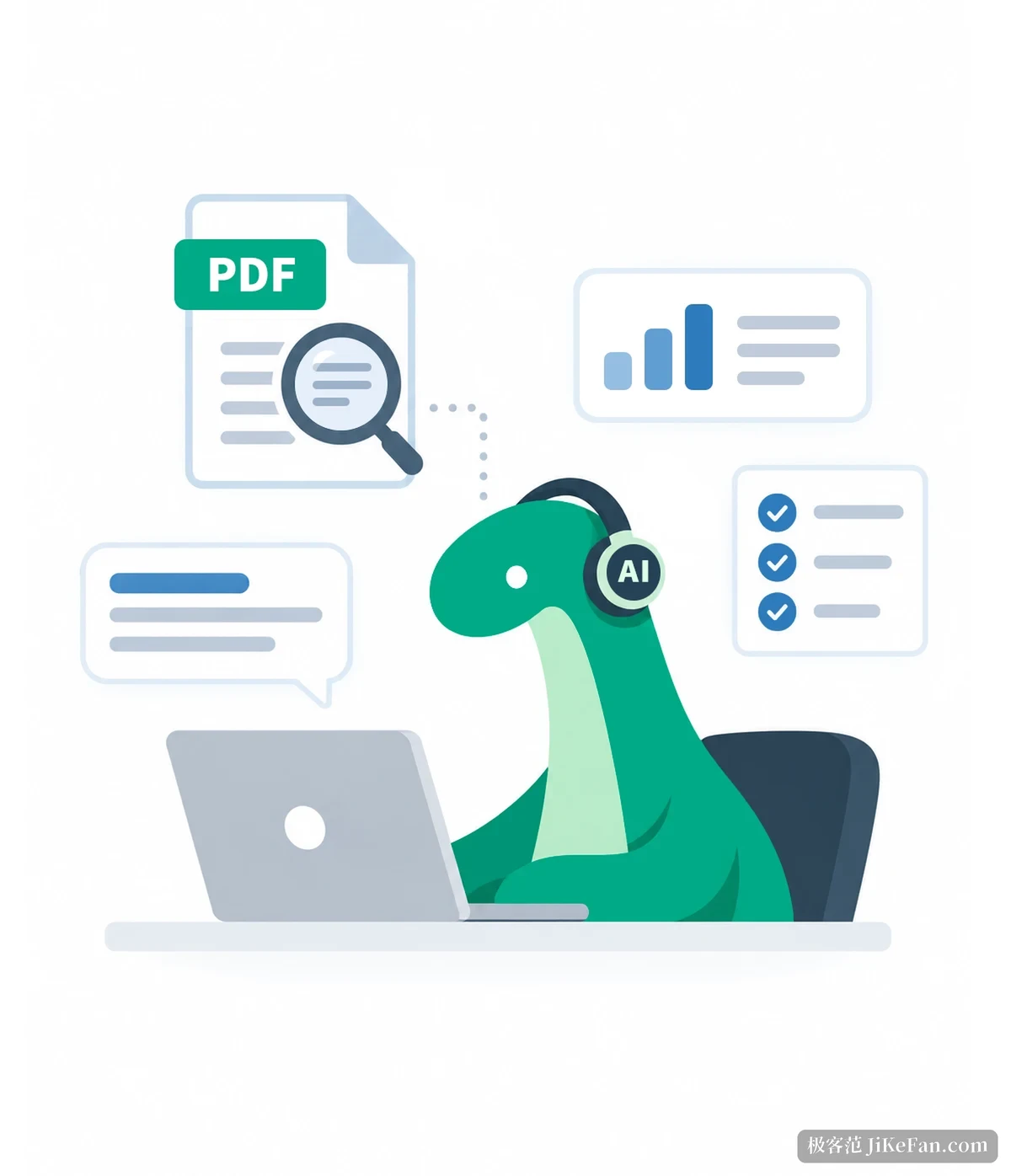
The assistant now opens several files at once
In the previous release the assistant answered only about the PDF that happened to be open, and changing file started the conversation over. Version 7.0 widens it to multi document questions: hand it several related contracts, tenders or annual reports and ask something that spans them, such as whether the same amount appears in two attachments, and it looks in each file separately. The same release adds a web search, so background that a document does not contain is filled in from the network.
A second change hides inside the redaction tool. Masking used to mean drawing boxes by hand and confirming them one by one, and one missed spot wastes the whole effort. Version 7.0 has the assistant mark ID numbers, bank accounts and addresses first, and the person only reviews and releases. Both features need your own AI account, either OpenAI or Microsoft Azure OpenAI, and the subscription is billed separately.
Unknown files open inside a sandbox first
You usually cannot tell who sent a PDF or whether it carries a script before opening it. Protected view exists for that: a document arriving from mail, the download folder or a temporary location is rendered in an isolated sandbox where scripts and external links cannot run, and it moves to normal editing once it is confirmed clean. The same thinking extends to the optimiser, which compresses images and also strips buried objects and user data before a file leaves the office.
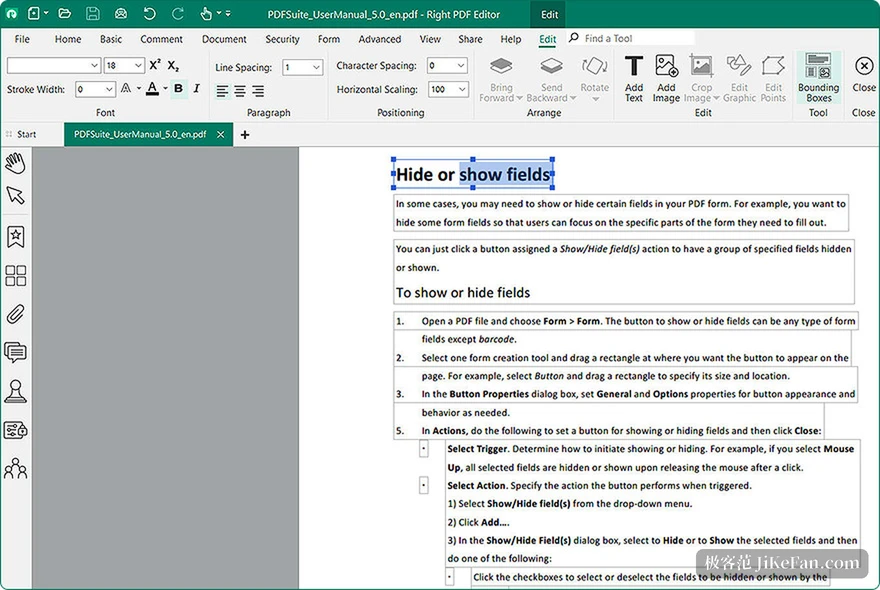
Two reading changes are more ordinary. Text reflow turns a multi column layout into a single column, so zooming to double size to read small type no longer needs sideways dragging. Fuzzy search returns results even when you misremember the wording, misspell a letter or drop a character. Find and replace now runs across several files at once, so a batch of templates can be retitled without opening them one by one.
Cloud files are edited inside the program
Version 7.0 connects to OneDrive, Google Drive and Dropbox. Fetching a file, editing it and sending it back used to mean switching between browser and editor; now download, edit and upload all happen inside the program, and saving syncs the change to the cloud. The feature depends on the .NET Framework 4.6.2 runtime or newer, so an older system needs that installed first.
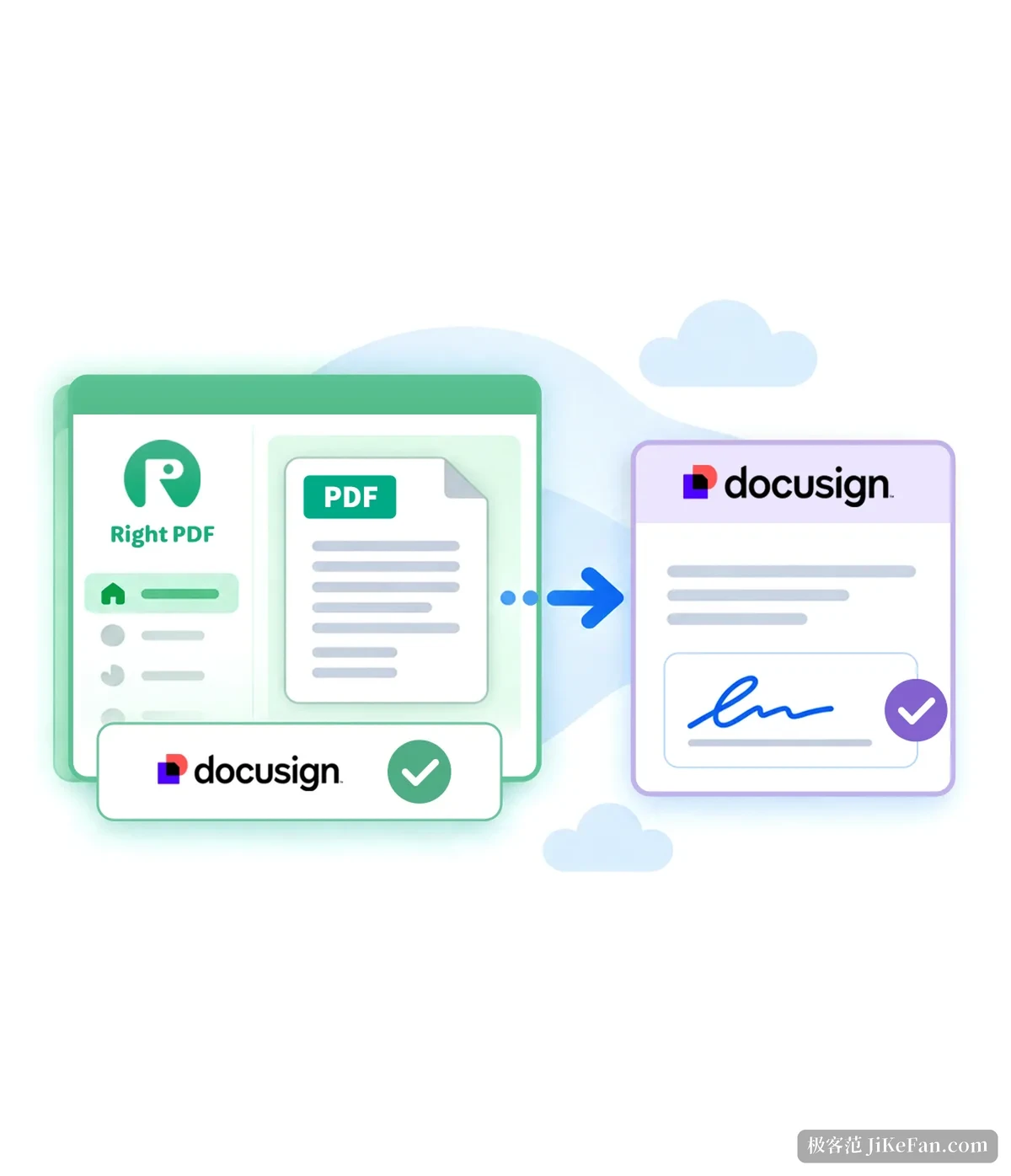
The DocuSign integration points the same way. Instead of exporting a PDF, opening a website, uploading and dragging signature fields, you sign in inside the program and send the current document out, and the signed status comes back. For a company the saving is not only the few steps but the copies left behind while a file travels between systems.
The remaining changes are small but usable
A content panel lays out the object hierarchy of a PDF, showing which layer holds images, text blocks and form fields. Evidence and numbering stamps are dynamic stamps for legal and engineering documents, and the number increments by digit or letter, so a stack of attachments needs no manual renumbering. Quick actions put natural language into the editing flow: type an instruction such as setting every footer to nine point and the program finds the matching command. A geospatial tool targets GeoPDF files with coordinates, measuring distance and reading positions on the page, and the ribbon can group a dozen frequent commands into one custom tab.
Two things were added underneath. Native Windows on ARM64 support removes the emulation layer on those machines. Interface details were reworked: stamp borders, background colour and font are adjustable, handwritten signatures take text and tick marks, and a PDF to Excel conversion puts each recognised table on its own sheet.
What it costs
- Reader
- Free.
- Converter
- 99 USD.
- Pro
- 179 USD, licensed separately for Windows and macOS.
- AI features
- No bundled model; you bring an OpenAI or Azure OpenAI account.
Subscription, perpetual, terminal server and volume licensing are all offered. Put AI, cloud storage, e-signature and a sandbox inside a PDF editor, and what Right PDF Pro 7.0 wants is for a document to travel from arrival to signature without leaving the window.