
Synfig Studio: open-source 2D animation that draws the frames between your keyframes
Summary
An open-source vector animation tool where keyframes and automatic in-betweening replace drawing every frame, with skeleton binding for cut-out characters, SVG import and rendering to video.
- Name
- Synfig Studio
- Version
- 1.5.5
- Pricing
- Free
- Open source
- Open source
- Operating system
- WindowsmacOSLinux
- Website
- https://www.synfig.org
- Updated
- 2026-10-05 01:45
Hand-drawn animation is largely arithmetic. Under one minute of finished film there can be a thousand drawings, each a small variation on the one before, and most of those variations are not something a person should spend an afternoon producing. Synfig Studio takes the other route: the animator sets the pose and the parameters at the moments that matter, and the software computes everything in between. As of 2026-09 the project has been in development for more than twenty years and costs an individual nothing.
Everything inside it is vector. Characters and props are described as shapes that do not care about resolution, so one asset holds up whether it ends on a phone or on a wall. A document is built from layers, regions, outlines, gradients, blur and distortion filters, stacked from top to bottom and composited in order, and any parameter on any layer can carry a keyframe. The part worth learning early is the linking and converter system: several layers can share a single parameter, and a parameter can be driven by a mathematical node, a sine wave or a time loop, which is how a reusable procedural setup gets built. Change the driver once and every layer following it moves.
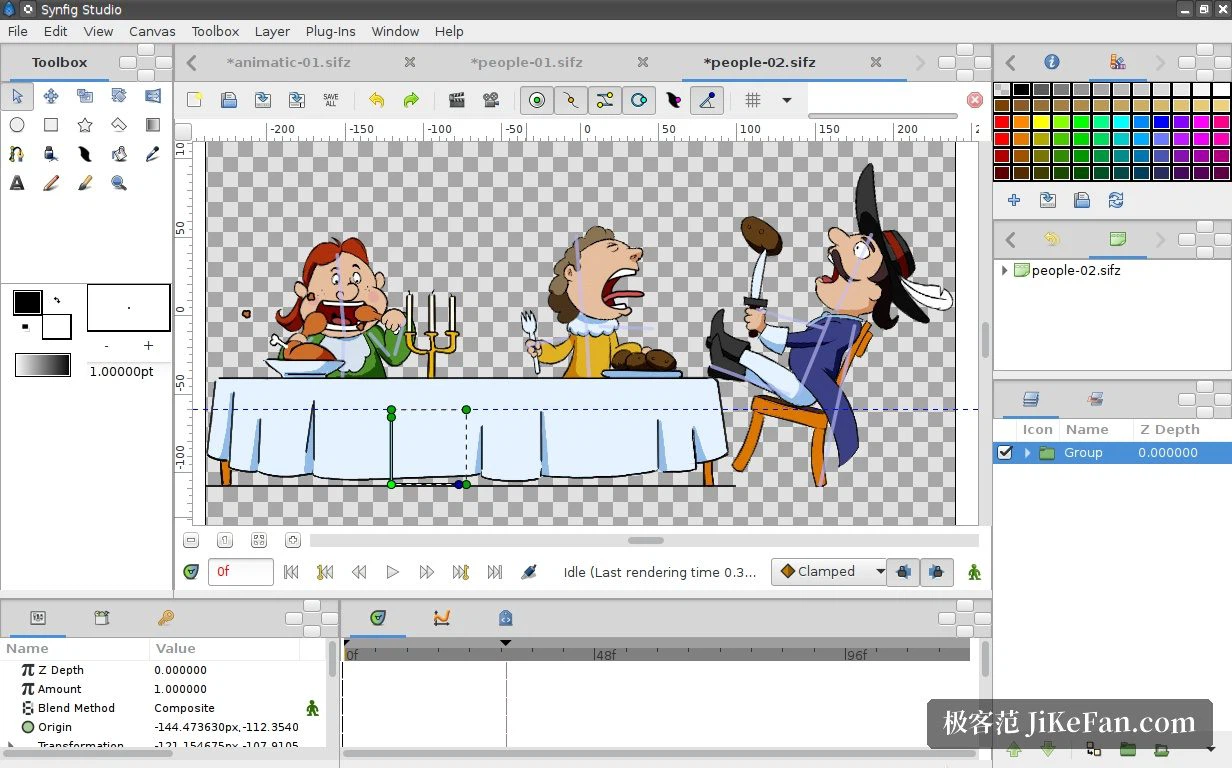
Bones, so a character moves like a puppet
Character work adds skeleton binding. A vector character is attached to a skeleton, and from then on the animator poses bones at keyframes while limbs and outlines follow the deformation instead of being redrawn frame by frame. This is the cut-out workflow, and it suits small studios and teams making dialogue-driven shorts: one set of character assets is reused across shots, and with automatic in-betweening the output per person rises sharply. Vector morphing handles the neighbouring job, letting one shape turn smoothly into another.
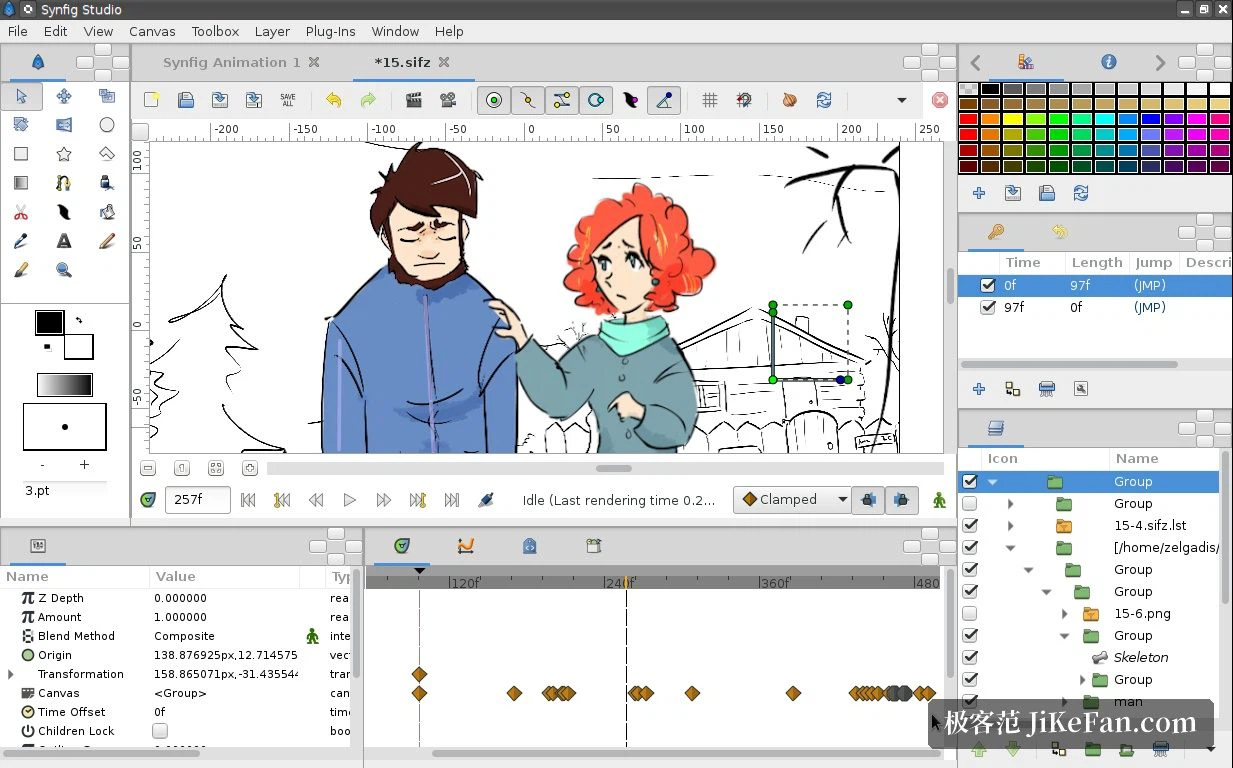
From a vector drawing to a finished video
SVG files can be imported, and recent versions add preliminary support for text elements inside SVG and for text layers coming from Lottie, which is what turns moving assets in from a design tool into something practical rather than a chore. Once the drawing and the animation are done, a project renders to video or to an image sequence, ready for compositing or for publishing directly. Around that sit the tools the work actually needs: onion skin, path deformation, per-layer render preview. Storyboard, in-betweening and rendering can all happen inside one application instead of being handed between three.
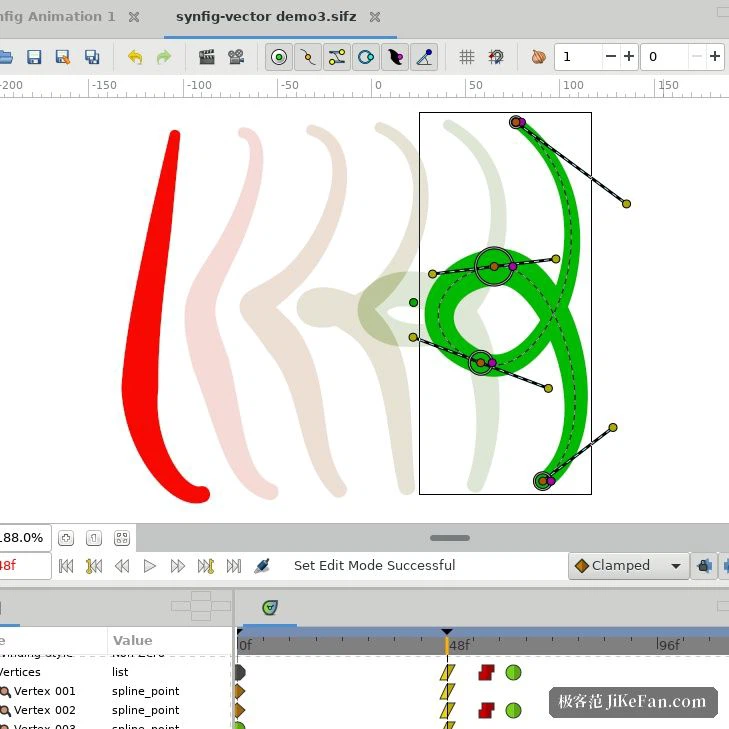
Open source, three platforms, no licence fee
The project is GPL, the source is public and a community maintains it. Version 1.5.5 arrived in 2026-03, fixing problems with blur layers among other things and improving stability; anyone who prefers to be conservative can stay on the 1.4 stable series. It runs on Windows, macOS and Linux. Independent teams have already finished complete shorts with it, and official tutorials and community work are not in short supply.
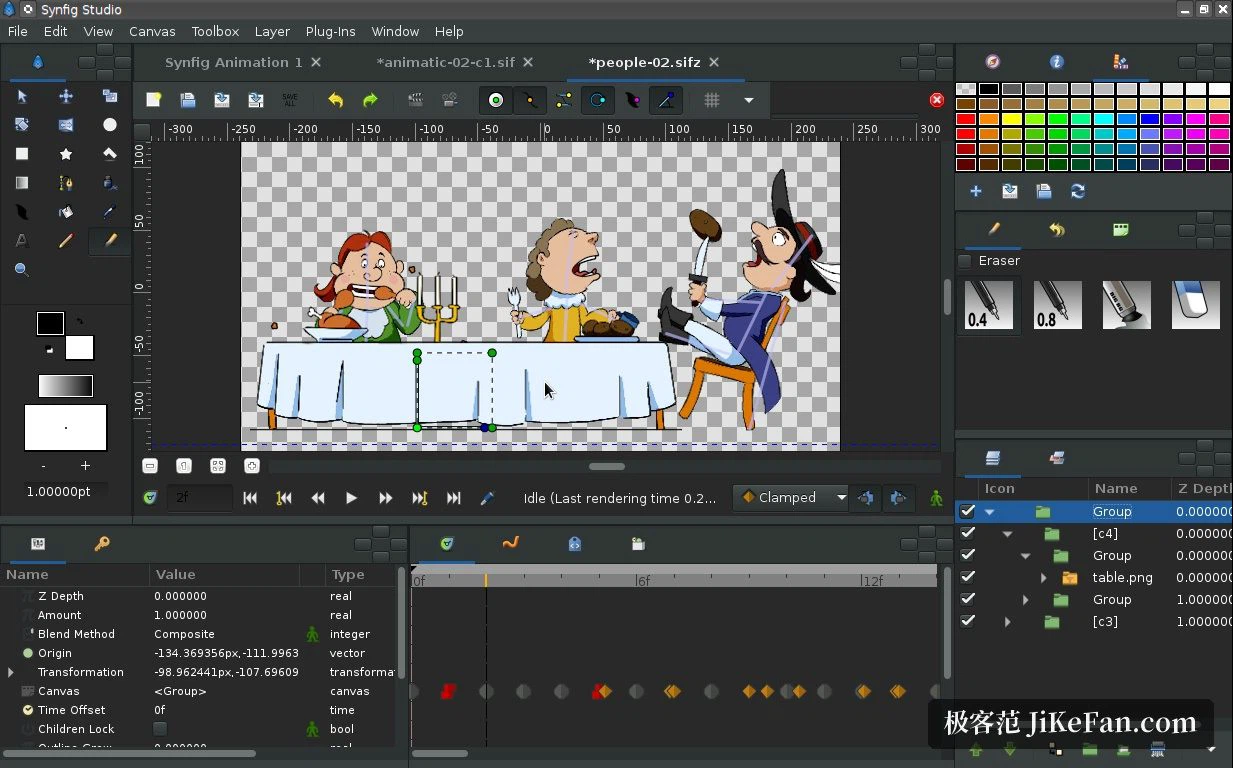
Who it suits
Three groups, roughly. Anyone who wants to animate but was put off by the drawing count, for whom a keyframe plus an automatic in-between is the entire argument. Small studios and solo animators making dialogue shorts, where one reused cut-out character pays for itself inside a single project. And people arriving from vector design who already think in layers and shapes and would rather not learn a second mental model. One short exercise with two or three keyframes is enough to feel whether the workflow fits, and the trial costs nothing.