
IcoMoon gathers twenty thousand open icons into one toolchain
Summary
An icon font generator that runs in the browser, drawing from a library of more than twenty thousand open SVG icons and exporting fonts, sprites or component code for front-end projects, with each icon keeping the licence of the set it came from.
Recommend- Name
- IcoMoon
- Version
- 20261012
- Pricing
- Free
- Open source
- Proprietary
- Operating system
- WindowsmacOSLinux
- Website
- https://icomoon.io/
- Updated
- 2026-10-13 11:14
Once icons are used in quantity, the hard part stops being drawing them and becomes carrying them into a project in good order.
How icons became a font
In the earlier web, icons were mostly sliced into small pictures, and once there were many of them two consequences followed: the number of requests climbed, and changing a colour meant exporting the whole set again. Turning icons into a font was the answer, letting the typesetting system look after them the way it looks after text, so that size and colour follow the text styles rather than a new export.
IcoMoon has been at this since it appeared in November 2011, and describes itself as the first tool to support generating a custom icon font. What it works on is vector icons, covering four stages: design, arrange, rebuild and publish. The whole flow happens inside the browser, with no design software to install locally.
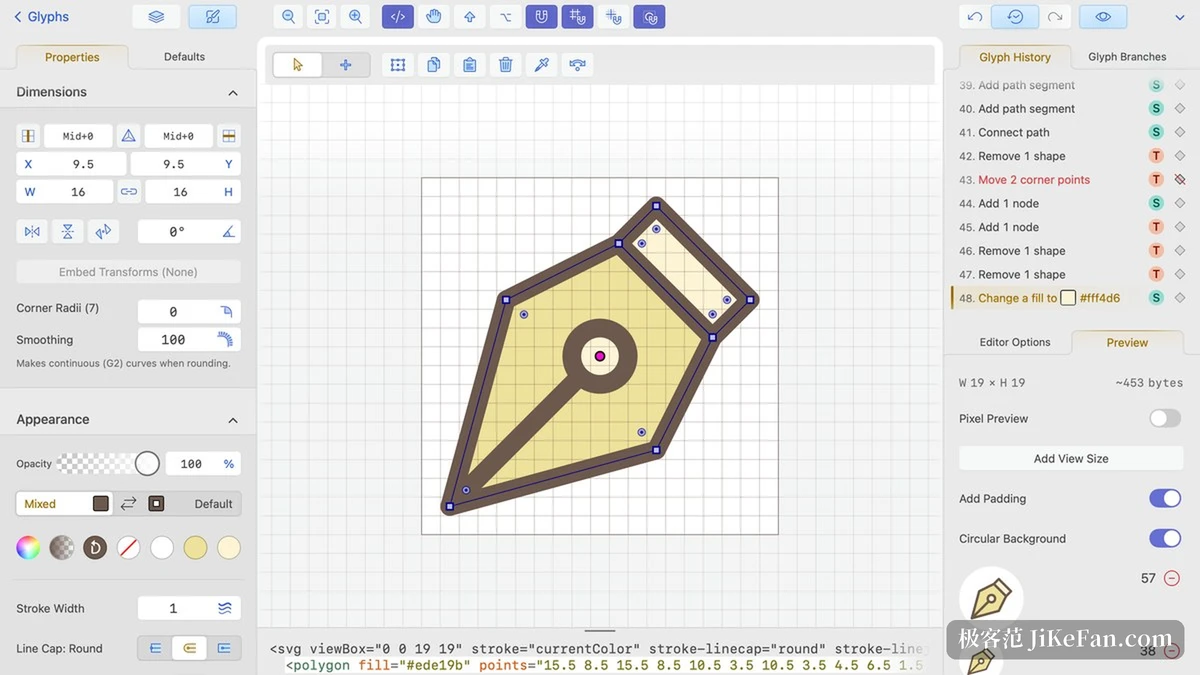
Picking the few that the project needs
The official library holds more than twenty thousand free and open SVG icons, organised as complete open sets. Beyond the count there is a note about craft: the icons were chosen, drawn by hand rather than traced, and aligned to the pixel grid, so the edges do not go soft when they are used as they are.
Selection works by taking what is needed. Rather than pulling in a font stuffed with several hundred icons, tick only those the project actually uses and let the tool pack them into a dedicated font. The resulting file then matches the real amount of use, and loading carries less that will never be shown.
The output formats are generous. For images there are SVG, PNG and icon files; for fonts there are ligature-based multi-colour icon fonts; for front-end work the tool hands over component code for Elm, React, Vue and Flutter; and there is a sprite route that merges the chosen icons into one vector asset referenced by symbol. The same selection can leave in whichever shape the project wants, so a front-end team gets components, a designer gets images and an older project gets a font, all from one pass.
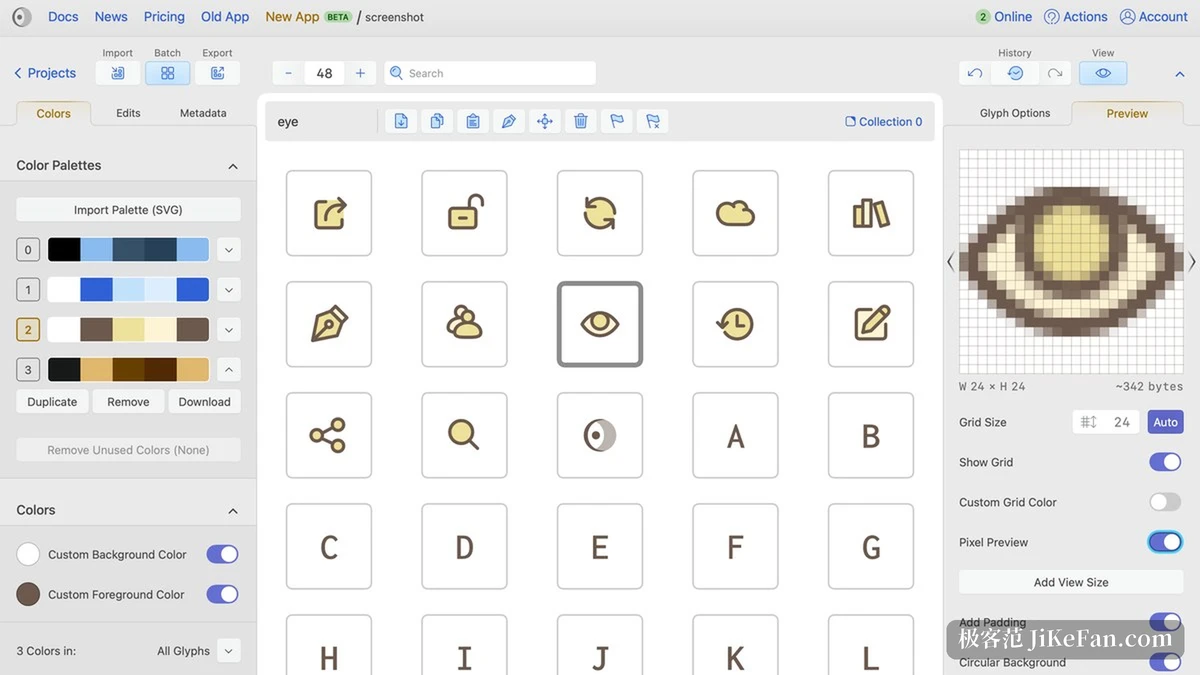
Free use and licensing are two separate questions
The barrier to using the tool itself is low: open the page and start choosing and editing. The newer version also carries a vector editor, where shapes on the canvas and code stay in step in both directions, a route the official text describes as rendering SVG with SVG.
What needs separating is the licence layer. Generating assets with the tool carries no extra condition of its own, but the moment a ready-made icon from the library goes in, that icon set's own licence applies, and every set in the library has its own author and terms which can be read one by one. Take the official IcoMoon-Free set: its licence states a choice between a Creative Commons attribution licence and a general public licence. Open source icons, in other words, are not free of conditions; attribution and derivative works each have their own wording.
One habit is worth noting as well: a share link made on the free plan stays valid for a single day. If a selection is meant to be reused for months, downloading the exported package is the steadier move than leaning on that link.
The saving in an icon workflow is that one selection can be reused in several shapes in several places.
A practical order: filter the library by category first and collect the batch the project needs, then export once in the format the project takes; and before bringing in a ready-made icon, glance at that set's licence and note down what attribution it asks for.