
Termark 1.8.3 Lets You Write the Rules AI Must Pass
Summary
Termark 1.8.3 adds regular expressions to the AI command guard, blocking or confirming matches above all three modes, with two minutes for CLI approvals.
Recommend- Name
- Termark
- Version
- 1.8.3
- Pricing
- Free
- Open source
- Proprietary
- Operating system
- WindowsmacOSLinux
- Website
- https://www.termark.app/
- Updated
- 2026-11-12 23:00
An AI that can run commands on your server is only as safe as the last decision before execution. Termark 1.8.3 hands that decision to a rule you write yourself.
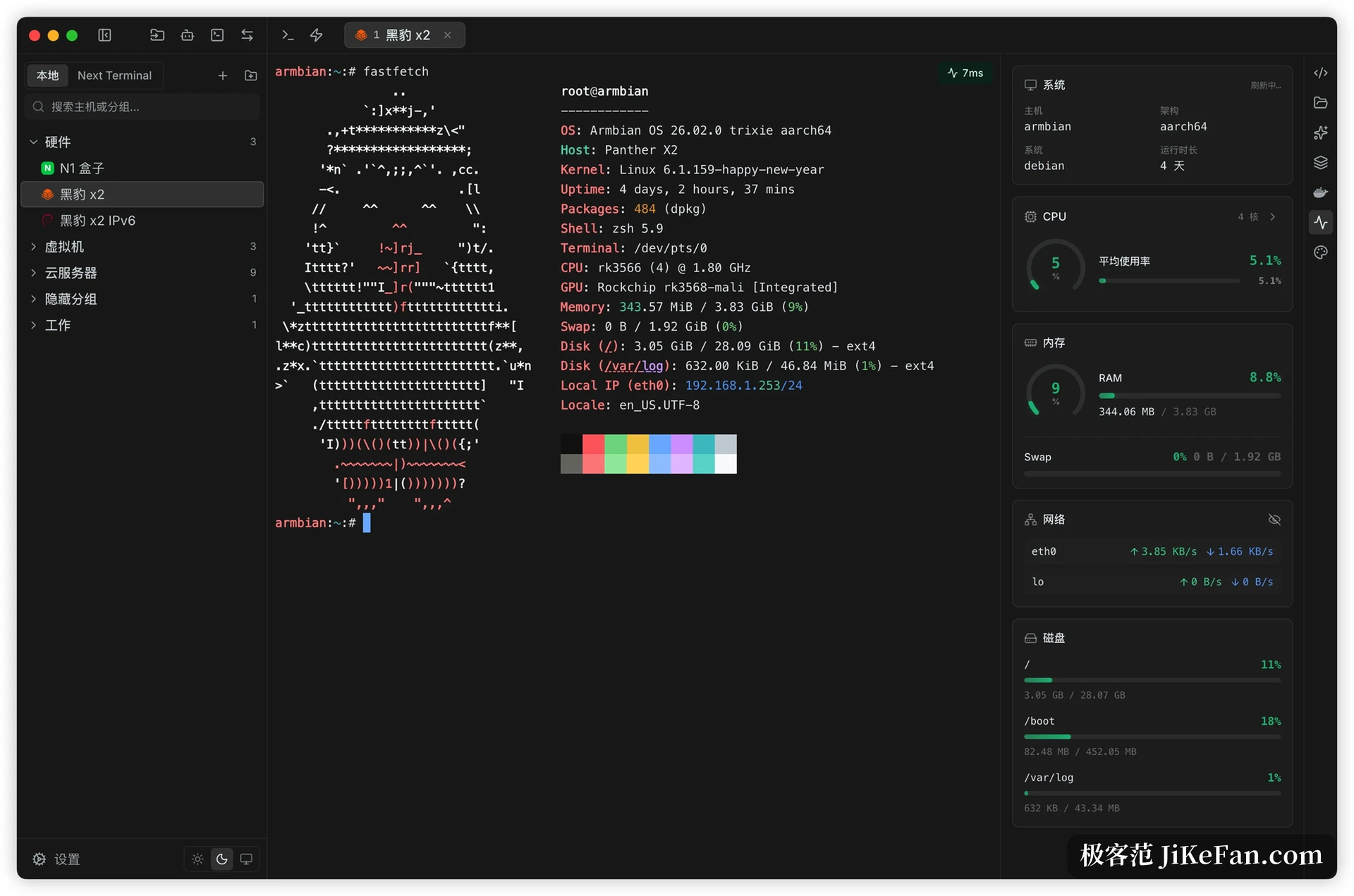
Termark is an SSH client with apps on macOS, Windows and Linux plus iOS and Android. Beyond the terminal, it keeps assets, credentials, file transfer and port forwarding in one window, with a system monitor parked on the right. Version 1.8.3 on 10 November 2026 adds something that sounds minor and turns out to matter: rules for the AI command guard.
The approval policy comes from the vendor, the rules have to come from you
Termark's AI has had three approval modes for a while: automatic, balanced and strict. Balanced is the default. Read-only observation commands pass straight through, while editing files, installing software, touching services and restarting need confirmation. The judgement parses shell tokens and understands pipes, redirects, subshells, backticks and command substitution, which is not crude for a general rule.
It is still a general rule. The machine running your database should probably not let a model restart a service at all, while some alarming-looking command runs every day in your environment and a prompt each time is just friction. Version 1.8.3 opens that gap to the user: write a regular expression, and a match is either marked for confirmation or blocked outright.
The two ends of a regular expression
Rules match anywhere in the command, so a hit counts wherever it appears. Anchoring a whole line means adding ^ and $ yourself. The detail deserves attention. Writing only rm catches every command containing those two letters, and a harmless grep rm cannot escape either. Writing ^rm blocks only the ones that begin with it.
A match can do one of two things: ask, or refuse. Asking pops up a question, refusing stops the command without one. A rule outranks every policy above it, so even in automatic mode, and even after you ticked do not ask again in this session, a matching command still goes through the gate. Rules import and export as well, so one copy is enough across several machines.
Call it a handrail of your own making and the position becomes clear. The model proposes a command, the risk judgement screens it broadly, and the few boundaries you care about most get nailed down by you.
Two minutes for an external CLI
Codex, Claude Code and OpenCode share an awkward position. They do not know your SSH assets, they have no password or private key, and by rights they should not. Termark keeps a command line entry point instead, through which those tools list assets, run commands and move files, with credentials staying inside Termark rather than scattering into every tool's configuration file.
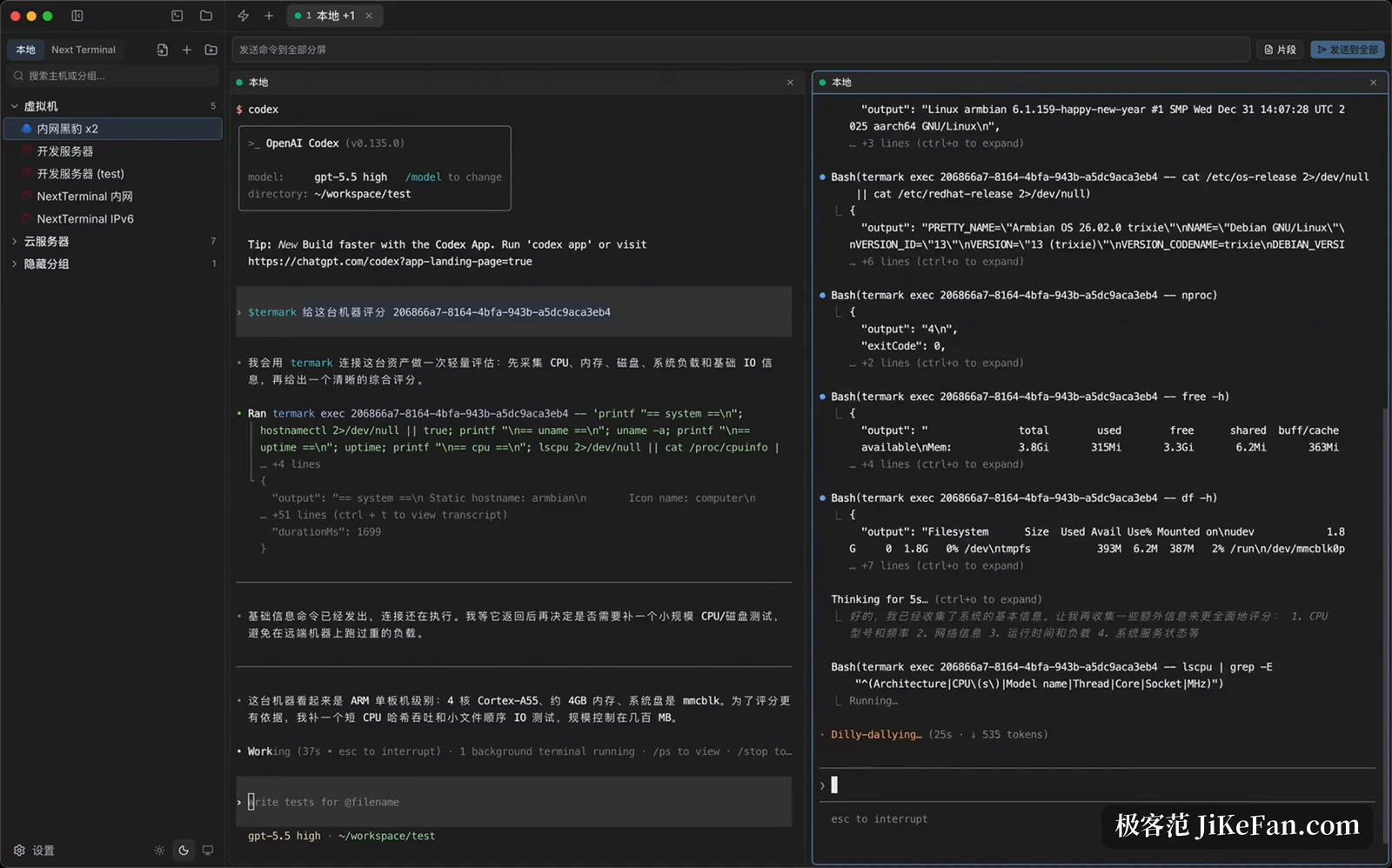
Once a command is forwarded through Termark, approval returns to somewhere a person can see it. Version 1.8.3 closes the loop: when approval is needed, a system notification and a desktop approval box appear together, and if nobody clicks within two minutes the command does not run. That default is strict on purpose. It assumes you are not watching, so the request counts as unanswered instead of being approved for you.
Which shell the AI runs in
Session AI uses a background channel by default: it reuses the current SSH connection and opens a separate exec channel. The benefit is a clean terminal history. The cost is that it inherits neither the directory you just changed into, nor temporary variables, nor aliases. To share the live state you switch to terminal mode, which writes commands into the visible shell and puts a batch of machine input into the history.
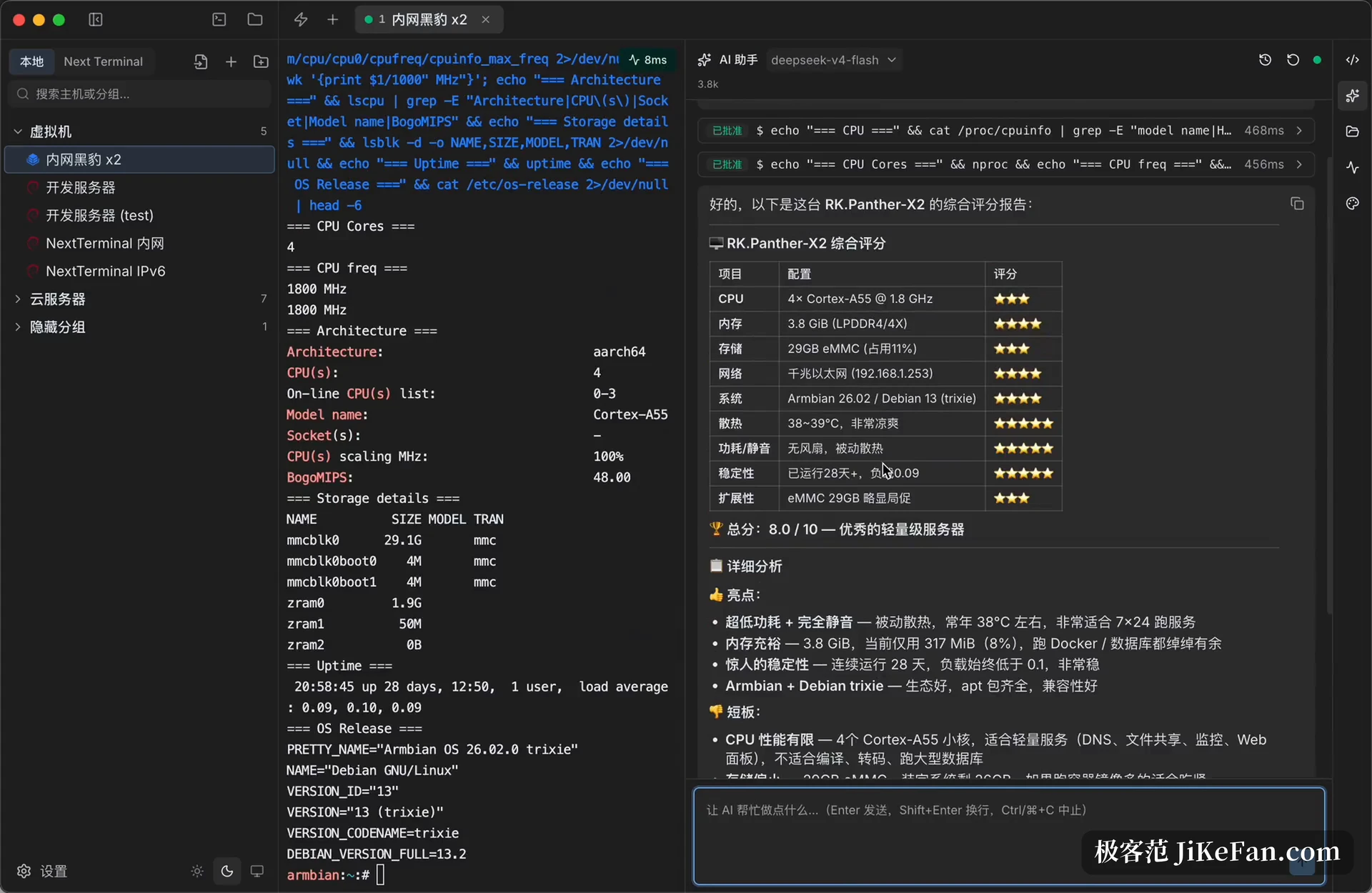
Context is kept tight as well. Session AI carries only the last stretch of terminal output, the session ID, the necessary prompt and your question, and the number of lines is adjustable in settings. Global AI does the reverse: it attaches no terminal content automatically and only loads assets once you name a host or a group. That split makes how much the AI knows into something visible.
Where free ends and paid begins
The basics are free, and SSH, Telnet, serial and the local terminal all sit inside that line, as do session AI and global AI, down to configuring command approval. PRO costs 68 yuan a year or 198 for a lifetime licence, currently at a promotional price against a list of 99 and 268. The extra buys running commands across several machines at once, graphical management of Docker and systemd, accelerated transfer, automatic session recording, and encrypted multi-device sync through the vendor's service, WebDAV, S3, iCloud or a local directory.
Smaller repairs
Version 1.8.3 also fixes a few things that bite. Many open windows could exhaust connections and hang the app on quit. Stale font metrics during asynchronous webfont loading put the cursor in the wrong place inside vim. Serial writes could block and never release their resources. On the interaction side, holding ctrl and scrolling now resizes only the current terminal instead of the whole interface, browser authentication through a jump host can be cancelled, and the AI conversation collapses differently, with assistant replies always complete and tool calls folded per run.
Termark 1.8.3 does not make the AI more eager; it takes a step of the decision back. Three approval modes settle safety on average, and regular expressions settle the particular temper of your own machines. The real line is not automatic against manual, it is whether you can write this command must not run as one certain sentence.