
Super Productivity: A Task List That Also Knows Where the Day Went
Summary
Super Productivity merges three things that usually live in three programs: a task list, a calendar of when the work will actually happen, and a record of how long it took. It runs offline, needs no account, and is built for one person rather than a team.
- Name
- Super Productivity
- Version
- 19.1
- Pricing
- Free
- Open source
- Open source
- Website
- https://super-productivity.com/
- Updated
- 2026-10-06 16:15
Most productivity software is project management wearing a friendlier colour
The category has a predictable arc. A task application starts as a list, adds projects, adds collaborators, adds boards and dependencies and workflows, and within two years it is a project management tool with a task list inside it. The people who actually wanted the list leave, because the software now assumes a team, a process and a meeting about the process. What they wanted was much smaller: somewhere to put the things they have to do, an idea of when they will do them, and a record of how long the doing took that they could look at honestly at the end of a month.
Super Productivity is a free, open source application that stays on the small side of that line on purpose. It is built for one person, not for a team, and it treats the three pieces as one piece: tasks, a schedule that says when they will happen, and a stopwatch that runs while they are happening. Nothing in it requires a second user to make sense, which is a rarer property than it should be.
The structure underneath the list
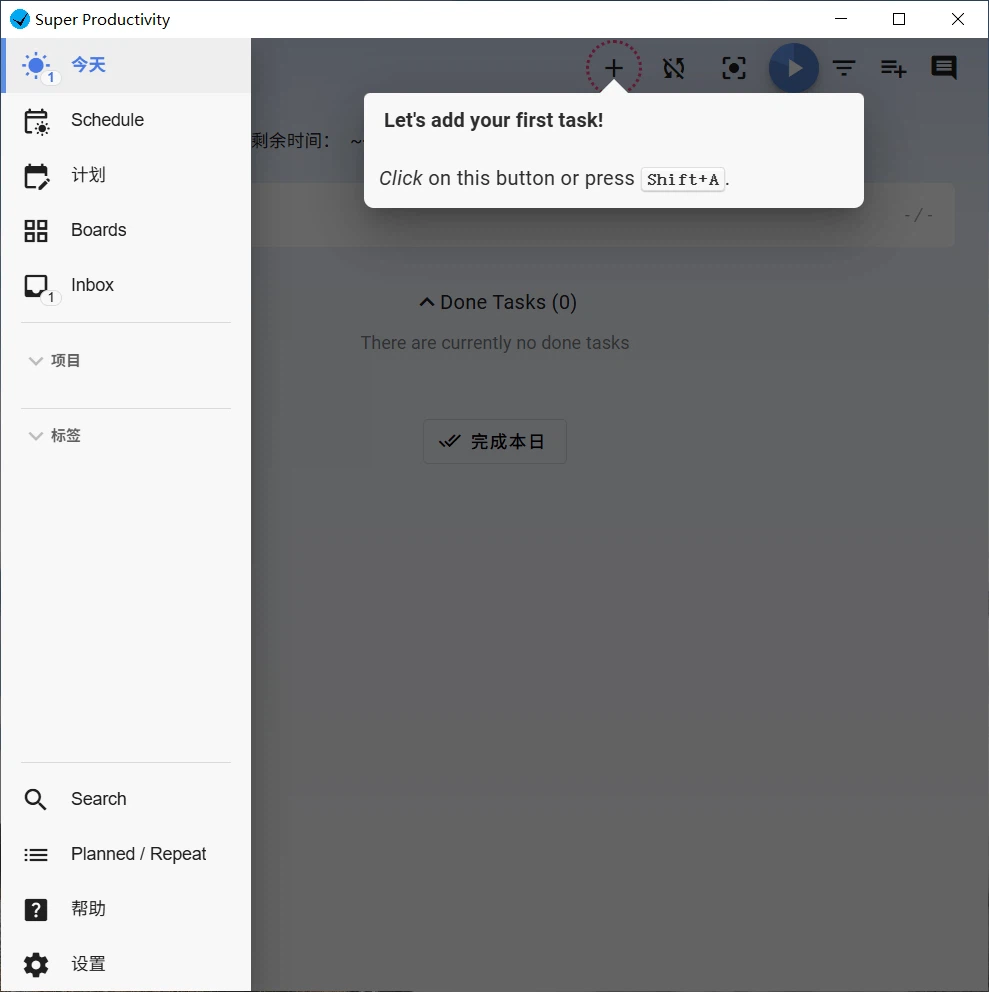
Tasks live in projects, break into subtasks, and carry tags that cut across both, so a piece of work can belong to a project and also be one of the things that has to be reviewed this week. Each task can carry an estimate, and the estimate is not decoration: it is the input the scheduler uses, which means a task without one is a task that will be scheduled badly. Repeating work - the weekly meeting, the monthly report, the quarterly reminder - can be defined once as a rule instead of retyped every time it comes around.
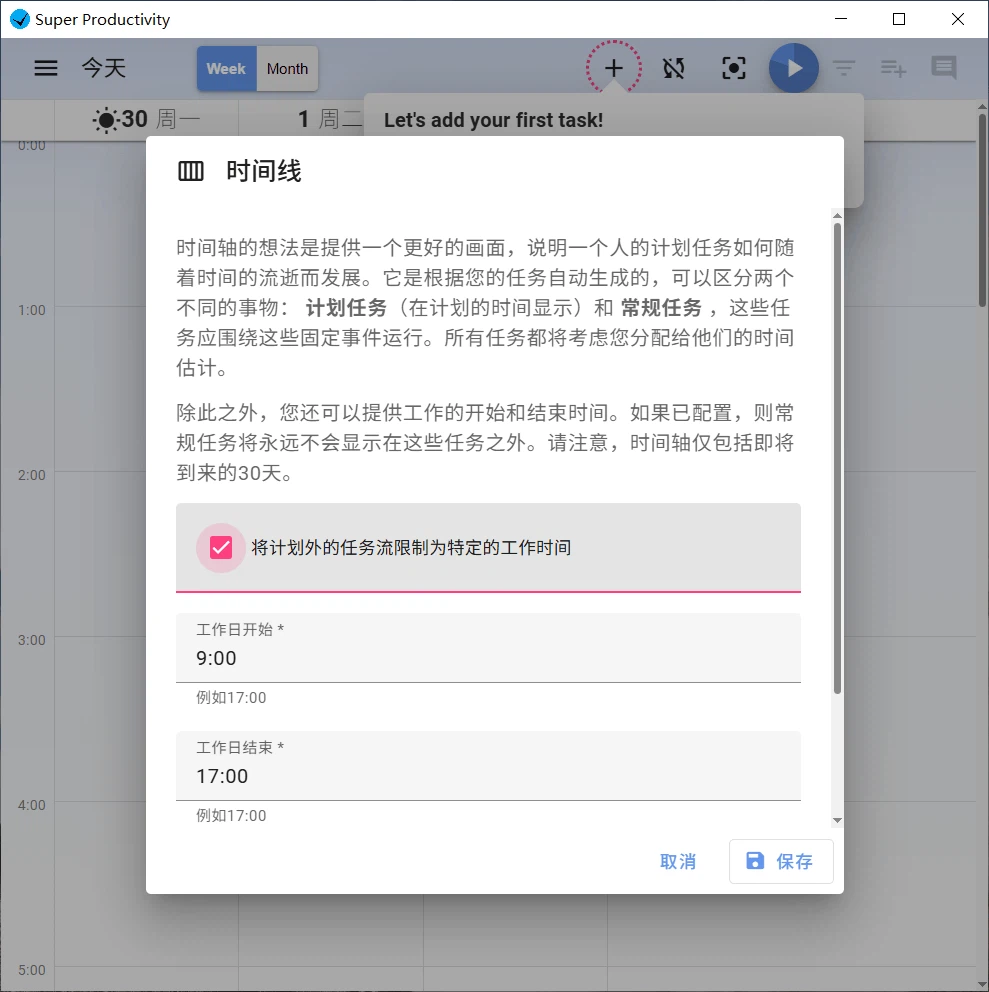
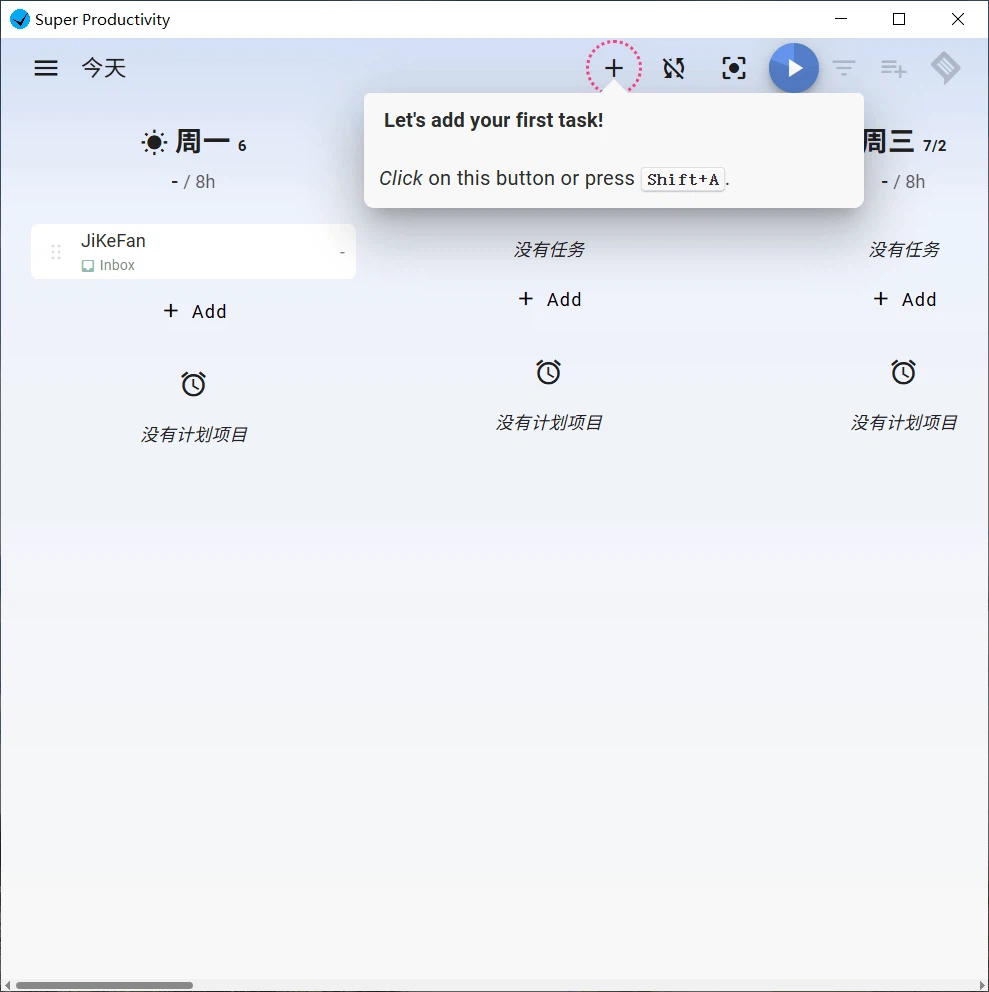
That is ordinary. What is not ordinary is what happens next. The application asks how many hours a day are actually available, and then fills a timeline with the tasks that fit, in an order the user can adjust. This is timeboxing rather than a to-do list: instead of an undifferentiated pile with a deadline on it, the day becomes a sequence of blocks with lengths, which is the shape a day actually has. The order of the blocks is a decision the person makes; the arithmetic of whether the blocks fit is the part left to the software.
For anybody who has planned a day of eight hours and finished two of them, the interesting part is what the timeline does when the plan breaks. A block that ran long pushes the rest, and the result is a visible statement that the remaining work no longer fits before the evening, which is more useful than a list that silently implies everything is fine.
The stopwatch is the honest part
Time tracking attached to the task, rather than to a timesheet filled in on Friday, produces a different kind of knowledge. Estimates compared against actual durations tell a person something about how they work that no amount of planning reveals: that a task type always takes three times the guess, that the interruption is not the exception, that the twenty minutes of email is not twenty minutes. The application keeps both numbers next to each other, which is the only way the comparison ever gets made.
The end of the day has its own function rather than being a matter of willpower. A closing step summarises what was finished, moves what was not, and proposes the shape of tomorrow. That ceremony is worth more than it sounds, because the alternative - stopping in the middle and starting again the next morning without knowing where one was - costs a surprising amount of the first hour of every day.
Focus has its own pair of tools, and they are deliberately rigid and flexible at once: a timer in a strict mode that cannot be paused for a good reason, a timer in a flexible mode that can, and a rest reminder that interrupts whether or not the person wants to be interrupted. When a task has been sitting untouched for long enough, the application says so and suggests either reordering it or splitting it, which is the correct advice in almost every case.
Working where the work already is
For people whose tasks arrive from an issue tracker rather than from their own head, the application connects to the common code hosting and ticket platforms and pulls the assigned issues in, so the list is not a second place where the same work has to be retyped. Time recorded against those tasks can be turned into a work log, which is the difference between reporting hours from memory and reporting them from a record.
Privacy, in the specific sense rather than the marketing one
The specific sense here is that the program works entirely offline, requires no account, and stores its data locally. Synchronisation, where it is wanted, goes to a storage service the user chooses rather than to a server the vendor operates, which means the data lives somewhere the user already has a relationship with. There is no behavioural tracking and no analytics pipeline quietly measuring which features get used.
This is a real architectural choice with real consequences. It means the application cannot lose data on a server the user does not control, and it also means the user is responsible for the backup. Anybody who has lost a task list knows which side of that trade they are on.
The limits, stated plainly
Three of them matter. Interface translations lag behind the English in places, and switching to English is the practical workaround rather than a complaint. The mobile version is wrapped in web technology, which has a specific consequence: background timing is unreliable unless the application stays in the foreground, so a timer started and then forgotten may not have been counting. And the program is not a collaboration tool; there is no shared workspace, no assignment, no visibility into anybody else's day. A team that needs those things needs a different product, and will find this one frustrating in exact proportion to how much it needs them.
What remains is a well defined thing: a personal instrument for people who bill their time, or who want to know where it goes, or who simply cannot start a day without knowing what the day is supposed to contain. It is not a system. It is a tool, and it is honest about being one.